Device Security
Privacy and security settings for Android, iPhone, Windows, Mac and smart-home devices.
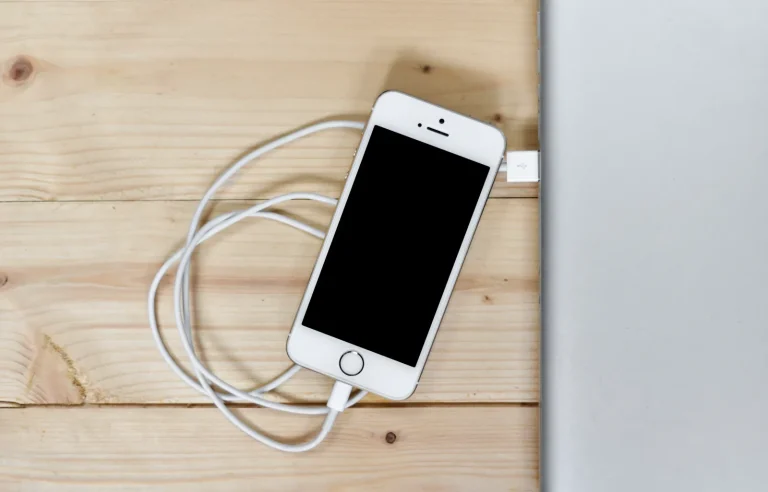
iPhone Privacy Settings You Should Check
Walk through the iPhone privacy settings that matter: location, app tracking, photos and contacts access, Safari, notifications and the lock screen.
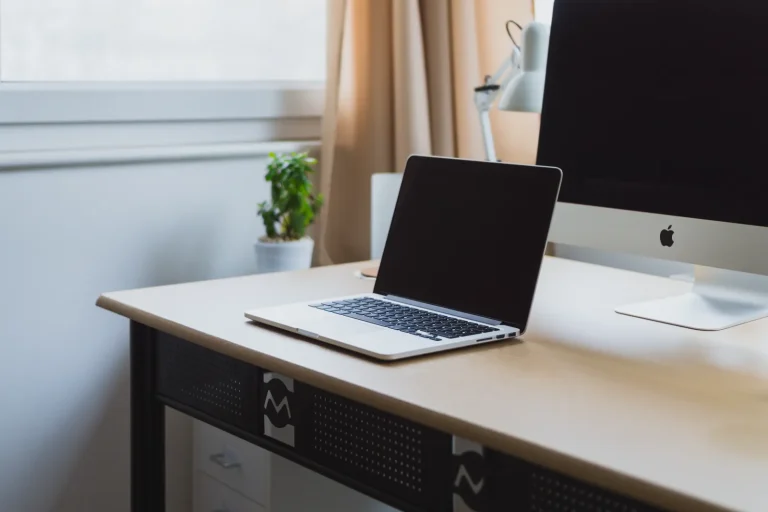
How to Use a VPN on Windows and Mac
Set up a VPN on a Windows PC or a Mac with an app or the built-in settings, pick sensible options and test that traffic is really protected.

How to Use a VPN on iPhone: Setup and Settings
Install a VPN app, approve the configuration prompt, enable automatic connection and verify that your iPhone traffic really goes through the tunnel.

How to Use a VPN on Android, Step by Step
Set up and use a VPN on Android with a provider's app or the built-in settings, enable always-on protection, and verify that the connection works.
How to Secure Your Smartphone Lock Screen
Your lock screen is the first barrier if your phone is lost or stolen. Choose a strong PIN, use biometrics wisely and limit what is visible while locked.

App Permissions Explained: What You Are Agreeing To
App permissions decide what an app can see and use on your phone. Learn what common requests mean and how to decide which ones to grant.
Android Privacy Settings Worth Changing Today
A practical walkthrough of the Android privacy settings that matter most: permissions, location, advertising ID, notifications and more, without the jargon.